MCHS Cheer sharing kit
- Save the fundraiser photo below.
- Copy your favorite post.
- Open Facebook, paste the post and attach the saved photo.
1. Save the fundraiser photo
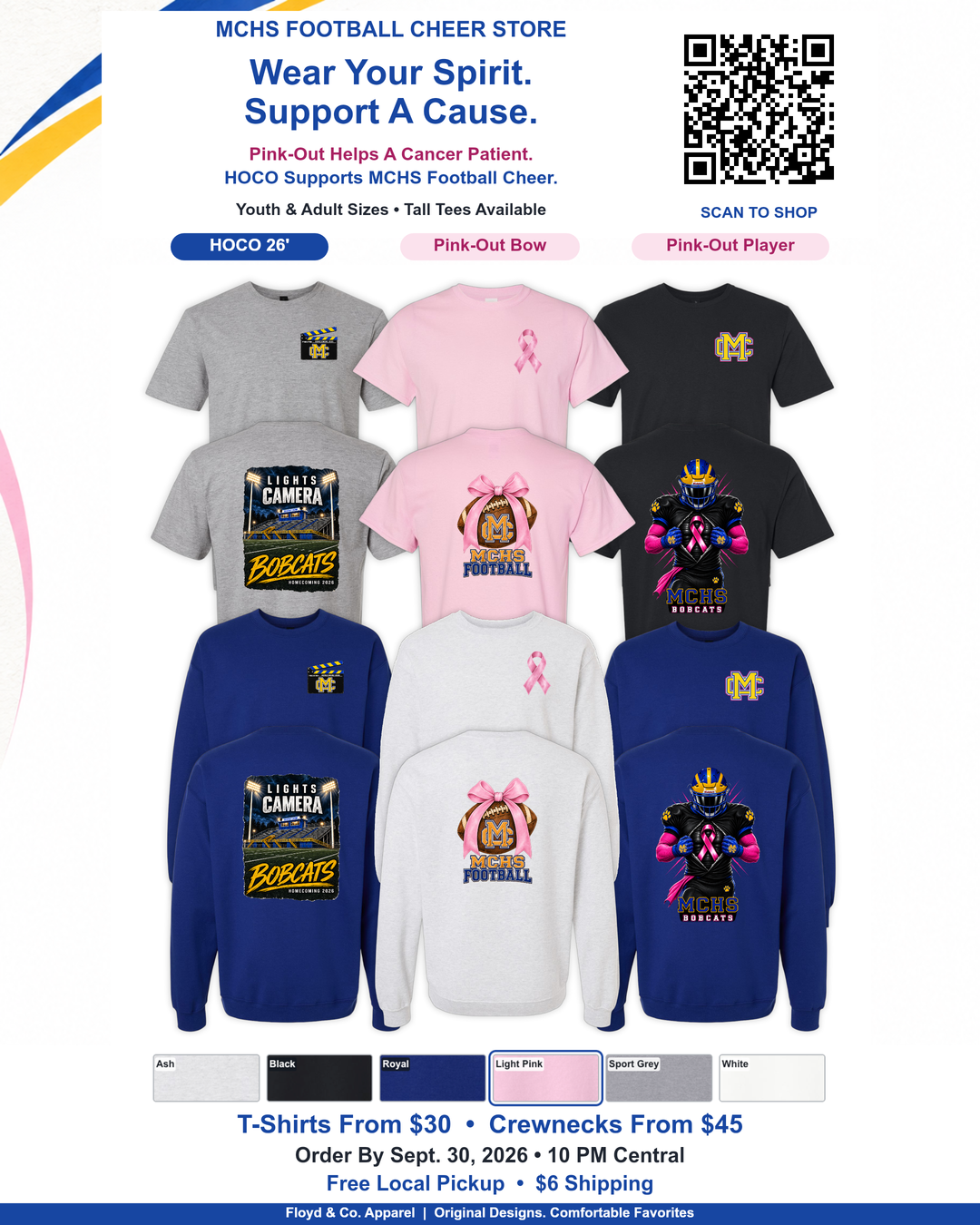 Download photoOpen full-size photo
On iPhone, open the full-size photo, then press and hold to save it to Photos. You can also use Share → Save Image.
2. Choose a post to copy
Share after the store is open. Only the post text and link are copied.
1. Coach / team announcement
2. Parent / community post
3. Cheerleader / short & casual
If copying is unavailable in your phone’s file viewer, open in a browser or press and hold inside the post, then choose Select All → Copy.